YouTube Thumbnail Tester
MyThumbTester is a free browser-based YouTube thumbnail tester for checking a local image and title in six illustrative placements before publishing. It processes the selected image in your browser and can export a local PNG review record. It does not upload your input, and it does not predict click-through rate, ranking, or views.
How to test a YouTube thumbnail
- Open the thumbnail tester and choose or drop a JPG, PNG, WebP, or GIF file from your device.
- Enter the title you plan to publish, then switch between Home feed, Search, Watch page, Shorts, Mobile, and Sidebar.
- Check whether the subject remains clear, whether the title adds context, and whether important details disappear in smaller placements.
- Download the selected preview as a PNG if you want to keep the exact review record with the video project.
What this tester can check
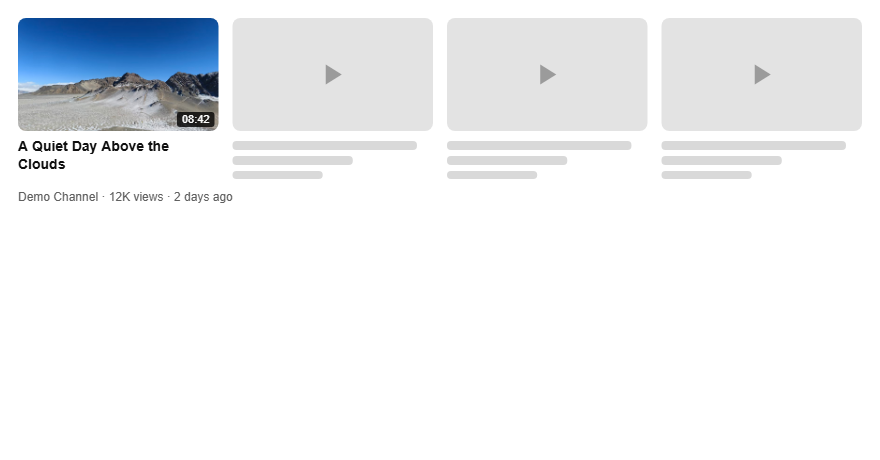
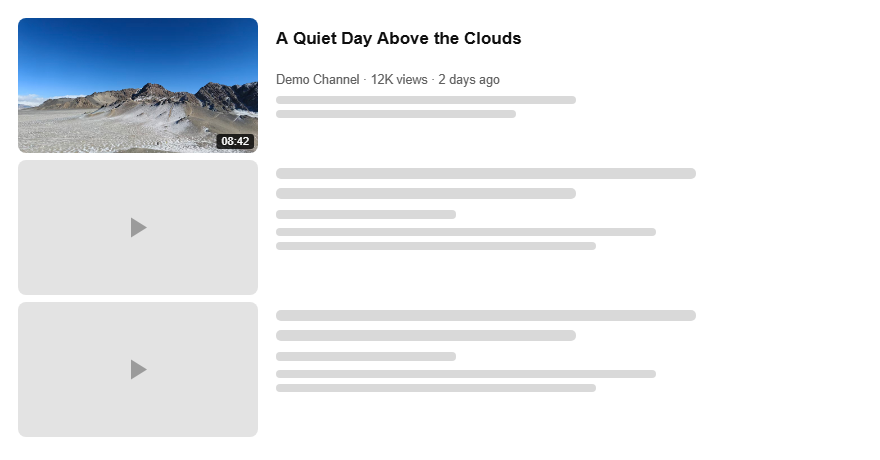
It can help you inspect image cropping, title wrapping, contrast, and the relationship between an image and its title in the six rendered layouts. The two previews above are reproducible outputs from MyThumbTester using one local image and title.
What it does not claim to do
These are illustrative previews rather than live YouTube screens. MyThumbTester does not run audience experiments, download YouTube thumbnails or videos, make thumbnails for you, extract tags, or predict click-through rate, rankings, distribution, or views.