MyThumbTester guide
A practical YouTube thumbnail check before you publish
Use a six-layout visual check to review a YouTube thumbnail and title before publishing.
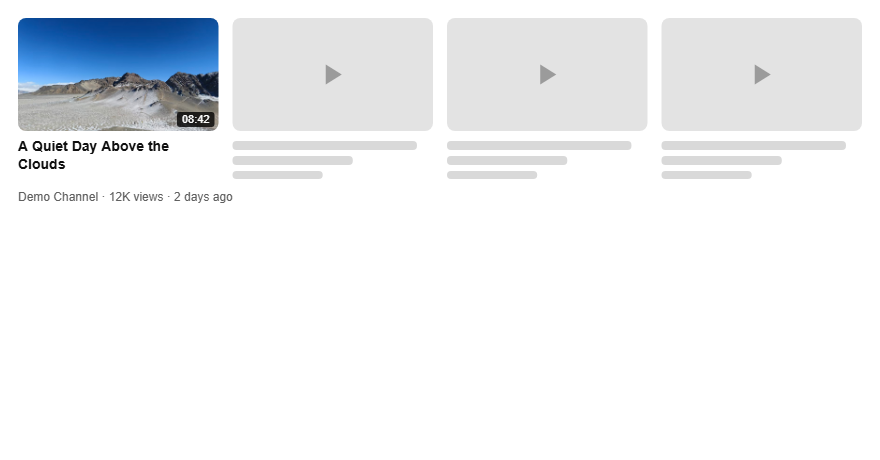
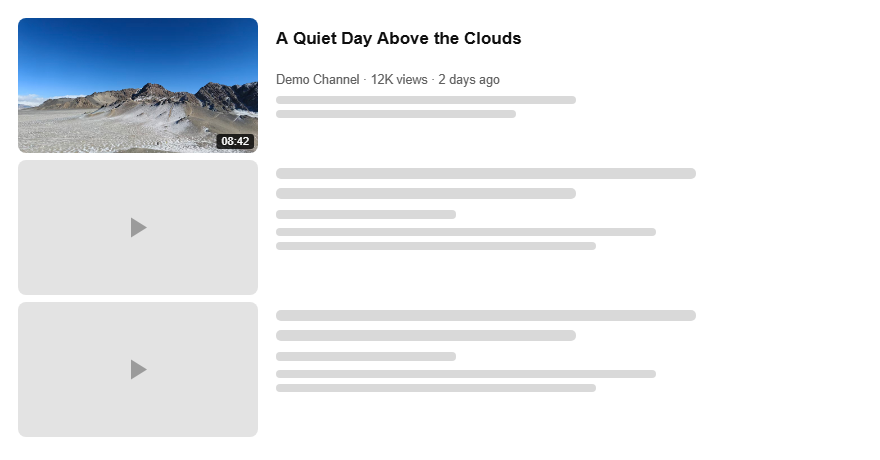
The six-layout check
Check the thumbnail and title in more than one layout before you publish. If the subject is hard to spot, the title is doing all the explaining, or the image only works at one size, revise it before the video goes live.
MyThumbTester lets you load a local image, enter a title, and create illustrative previews for Home feed, Search, Watch page, Shorts, Mobile, and Sidebar. It is a visual check, not a click-through-rate prediction tool.
Home feed: find the subject first
Look at the thumbnail before reading the title. Can you identify the main person, object, or moment quickly? If not, reduce competing details or make the focal subject larger.
Search: make the title finish the idea
In search, a viewer scans a group of similar results. Read the visible title with the thumbnail. The two should form one clear promise; avoid a title that repeats what the image already says.
Watch page and sidebar: test the small version
Sidebar placements give the image less room. Check whether small text, thin borders, and secondary faces still have a purpose. If they disappear, remove them instead of relying on them.
Mobile and Shorts: test a changed placement
On a narrow screen, start with the largest shape and strongest contrast. Use the Shorts preview to make sure the image and title still communicate the basic idea when the surrounding layout changes.
A short decision rule
Revise the thumbnail when you cannot identify the main subject before reading the title, the title needs to explain a crowded image, important details vanish in a smaller preview, or the title and image make different promises.