What a YouTube thumbnail preview can and cannot tell you
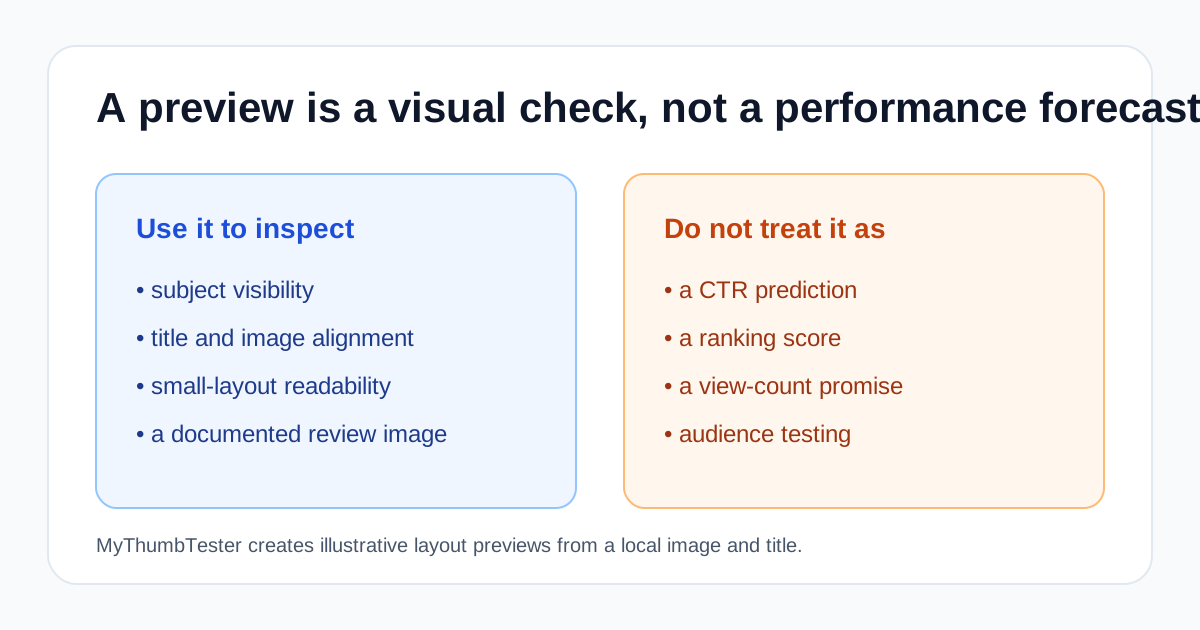
Use the preview to inspect presentation
A thumbnail preview can show whether the focal subject survives a smaller placement, whether the title and image communicate the same idea, and whether fine details disappear in a different layout. Those are visual checks you can make before a video is published.
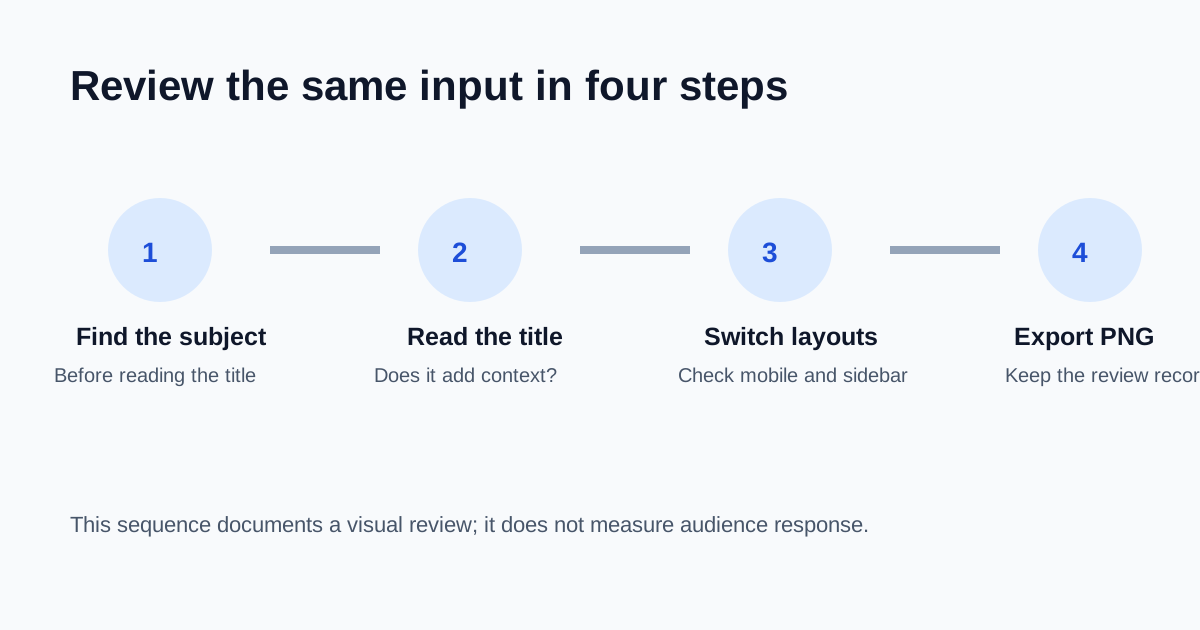
In MyThumbTester, load a local image and title, then switch between Home feed, Search, Watch page, Shorts, Mobile, and Sidebar. Compare the same input rather than judging each layout in isolation.
Do not use it as a performance forecast
A layout preview does not know who will be shown the video, what alternatives they will see, or whether they will choose to watch. It cannot measure click-through rate, rank a thumbnail, or promise more views.
That boundary matters because a clean-looking preview and a successful video are different questions. Use the preview for the first question: is the visual message still clear at the placement you are checking?
A repeatable review sequence
First, identify the main subject without reading the title. Next, read the title and ask whether it adds context instead of repeating the image. Then switch to Mobile and Sidebar, where small text and secondary objects are easiest to lose. Finally, export the selected preview PNG so the reviewed version is recorded with the video project.
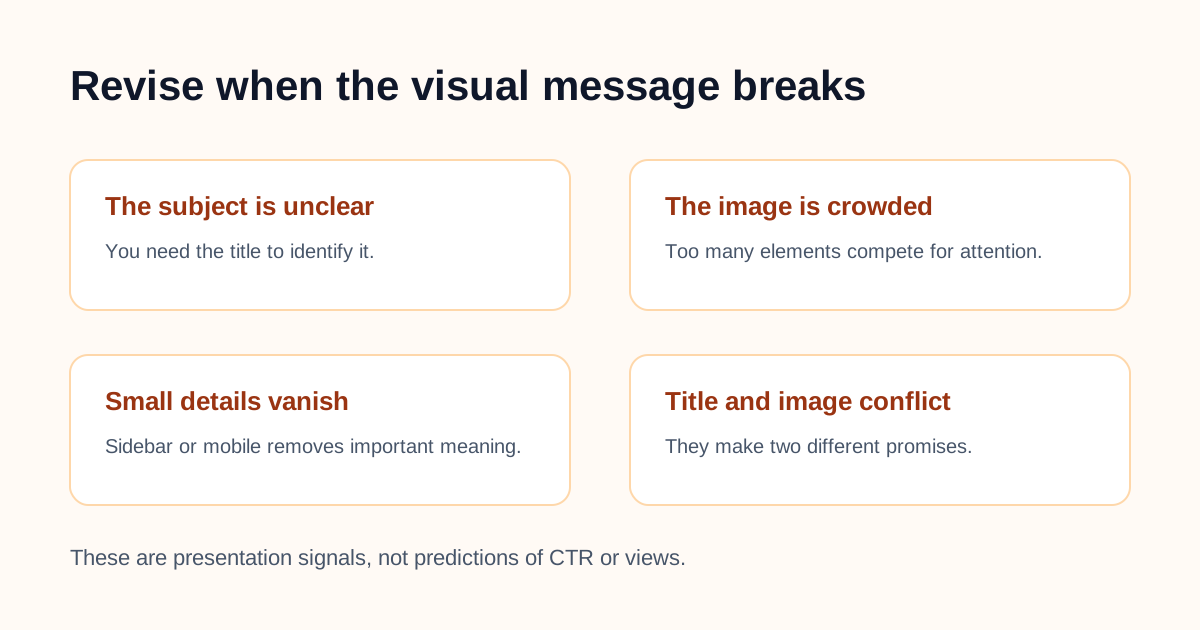
When to revise
Revise when the image only makes sense after the title is read, when the title compensates for a crowded design, or when the intended subject blends into its background. These are concrete presentation issues; they are not claims about future CTR.