MyThumbTester guide
Use a GIF thumbnail as a still preview
See how MyThumbTester accepts a local GIF thumbnail for an illustrative layout and exports the reviewed result as a PNG still image.
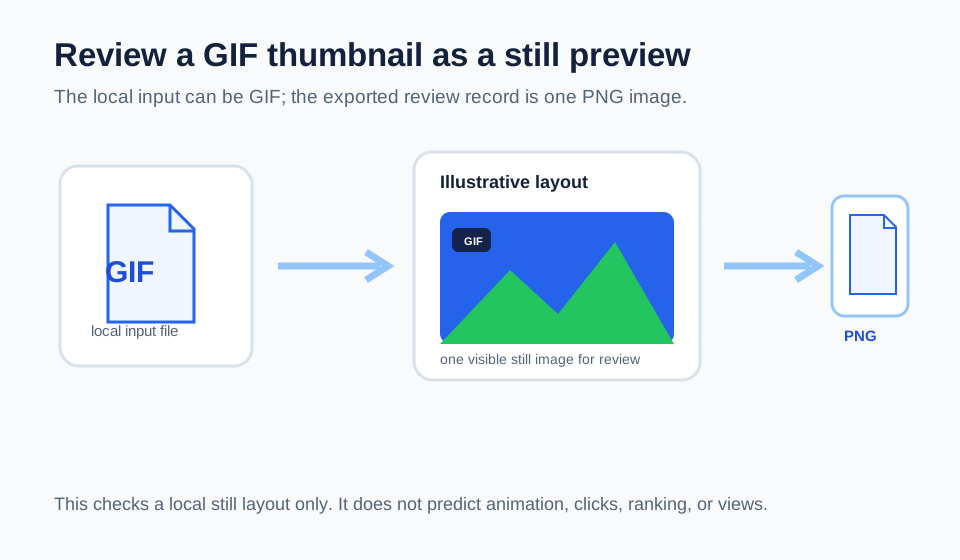
A GIF can be reviewed, but the exported preview is a still PNG
MyThumbTester accepts a local GIF along with JPG, PNG, and WebP files up to 10 MB. It draws the loaded image into an illustrative layout canvas, and Download PNG exports that canvas as a single PNG image. The export is therefore a still review record, not an animated GIF or a video preview. This is a reproducible input and export behavior of the local tool, not a prediction of click-through rate, ranking, distribution, or views.
Load the exact GIF you intend to inspect, add the title, and switch to the layout you want to review. Check the visible subject, crop, title, and duration badge area just as you would with a static thumbnail.
Keep the review focused on the visible still image
An animated source can contain motion that a single preview image cannot communicate. For a thumbnail decision, inspect the still image that appears in the local layout and make sure its central subject and title remain understandable without relying on movement.
If your intended use depends on animation, separately check the platform requirements for that destination. MyThumbTester only provides an illustrative, browser-local still preview and PNG export.
Save the PNG with the project
Export the selected layout as PNG after the visual review. The saved file records which illustrative still image, title, and layout you checked before publishing. It does not prove how a third-party platform will process, animate, or display the original GIF.
What GIF preview cannot answer
A GIF input preview cannot predict which frame another platform will choose, whether animation will be preserved after upload, or how viewers will respond. Use it to inspect a local still representation before publishing.