MyThumbTester guide
Review title wrapping in a Watch page preview
Use the Watch page preview to check a title in the main video area and the smaller Up next card without treating truncation as performance data.
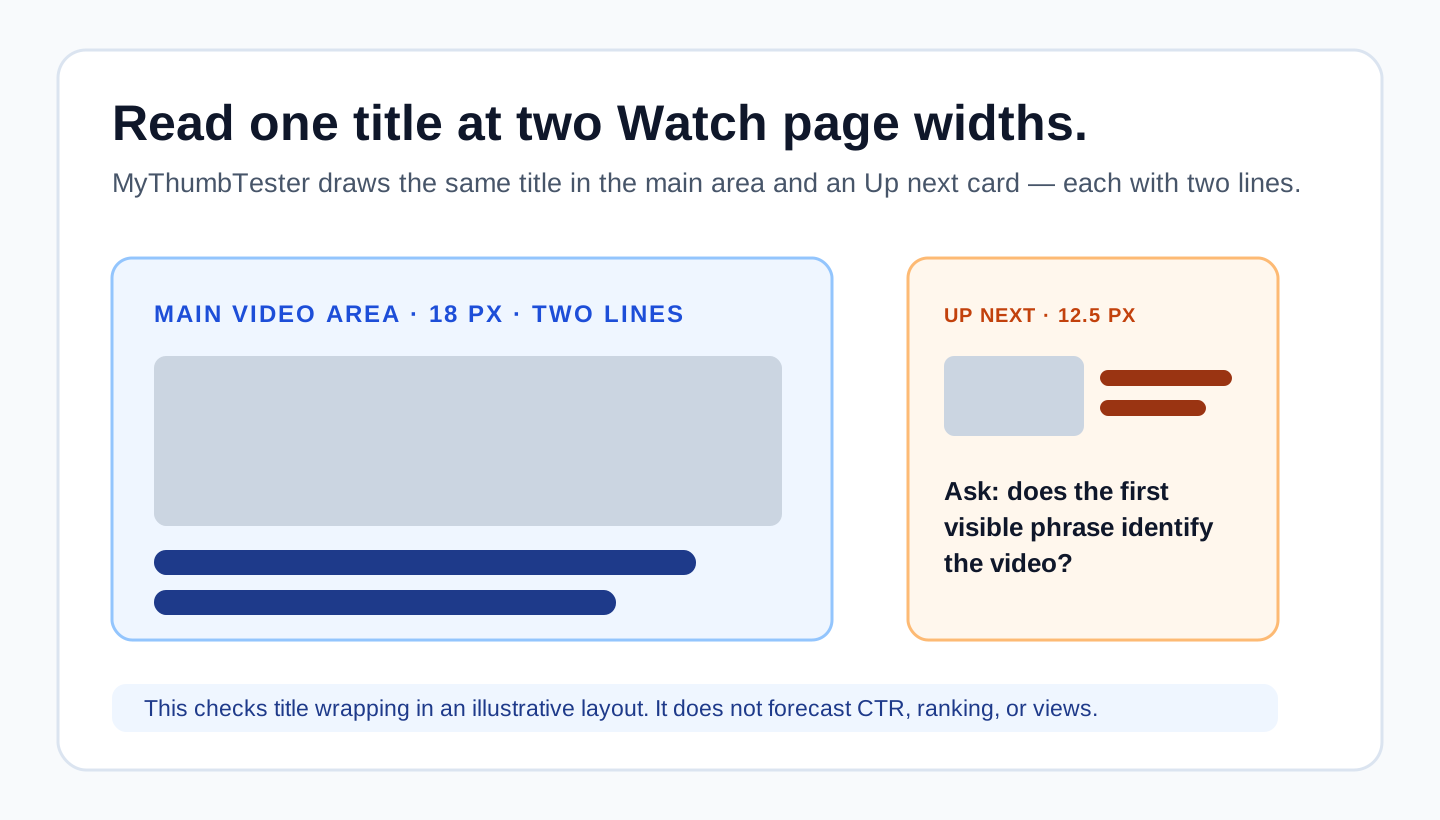
Check the title in both Watch page positions
A Watch page preview is useful when you need to check whether a title remains understandable in two different widths: beside the main video and in the smaller Up next card. In MyThumbTester, enter one exact title, choose Watch page, and read both instances before you export the preview.
This is a reproducible implementation-derived check. The Watch page renderer wraps the main title to at most two lines in an 18 px font, then draws the same title again in the smaller Up next card at most two lines in a 12.5 px font. It checks visible wrapping, not click-through rate, ranking, or views.
Give the first words the job of identifying the video
The Up next title has less width, so the first words need to carry the subject. If the distinct part of the title appears only at the end, the smaller card can show a less useful fragment even when the main title still reads well. Rewrite the order of the words before adding extra detail.
Do not solve this by making a promise that the image cannot support. First make sure the thumbnail identifies the basic subject, then use the title to add the missing context.
Record the visible result, then make one revision
Write down what the main title shows and what the Up next title shows. For example: “main: the outcome is visible; Up next: the outcome begins after the second line.” Then change only the title order or length, keep the image fixed, and compare again.
Export the selected Watch page PNG to record the exact layout you reviewed. The exported image is evidence of a visual review, not an audience test.
What this preview cannot answer
A Watch page mockup cannot predict whether viewers will click, how YouTube will place a video, or how many views it will receive. Use it only to inspect the title and thumbnail relationship in MyThumbTester’s illustrative main-video and Up next positions.