MyThumbTester guide
Does choosing another YouTube thumbnail size upscale the image?
MyThumbTester lists separate public thumbnail files with browser-read pixel dimensions. Choosing one switches to that file; it does not create or upscale an image.
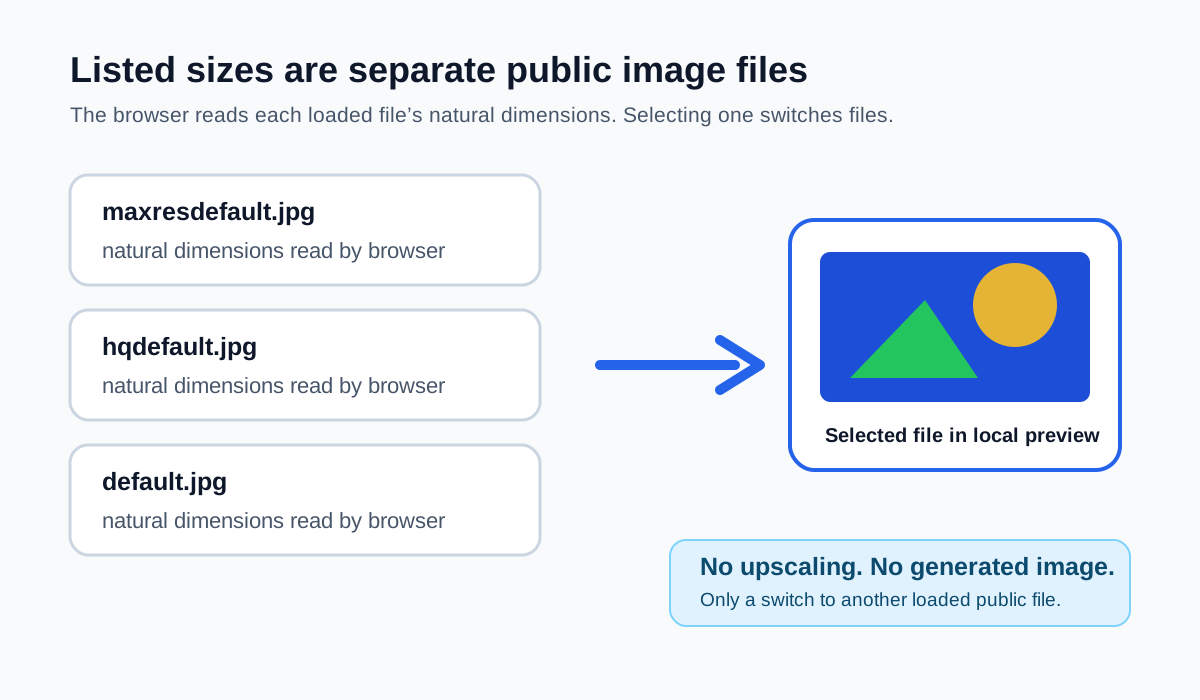
Choosing a listed size switches to another public image file; it does not upscale one
No. Each size in MyThumbTester’s downloader is a separate standard public YouTube thumbnail filename: maxresdefault, sddefault, hqdefault, mqdefault, or default. The browser lists a size only after that exact public image loads and reports its own natural width and height. When you choose another listed option, the preview switches to that option’s direct public image URL. MyThumbTester does not enlarge pixels, generate a new image, or claim that a larger version exists. This is a reproducible file-selection boundary, not a prediction of click-through rate, ranking, distribution, or views.
The label such as “Maximum resolution” is only a name for the standard public filename. The measured width and height displayed by the browser are the useful record for that particular public response.
How the downloader keeps the choices separate
For a valid public video ID, the downloader constructs one image URL per standard filename and loads those candidates independently. A result keeps its own quality key, direct URL, and natural dimensions. Selecting a choice sets the visible image to that selected URL; it does not copy a larger image into a smaller slot or interpolate a smaller image into a larger one.
This also explains why the available list can be shorter than five options. An unlisted name did not produce a usable loaded image during that browser check, so it is not presented as an upgrade path.
Choose based on the measured file, then inspect its crop
Pick a listed option, note the dimensions shown by the downloader, and use Download JPG or Open in thumbnail tester. In the tester, inspect the same selected image in Home feed, Search, Watch page, Shorts, Mobile, and Sidebar layouts. If a different listed file is available, you can repeat the check with that file rather than assuming its label guarantees a particular resolution.
A local preview can reveal how the chosen image is cropped in these illustrative frames. It cannot confirm the source image’s ownership, future availability, YouTube’s live rendering, or audience outcomes.
What the listed dimensions do not mean
A displayed width and height do not establish that the image is the original upload, that it may be reused, or that it will remain public. They also do not measure sharpness after platform processing or identify a better-performing version. They report only the natural dimensions of the public image file the browser loaded at that time.