MyThumbTester guide
How to compare thumbnail revisions without calling it an A/B test
Compare two versions in the same preview layout with the same title, then record one visible difference without claiming audience-test results.
Keep the layout and title fixed
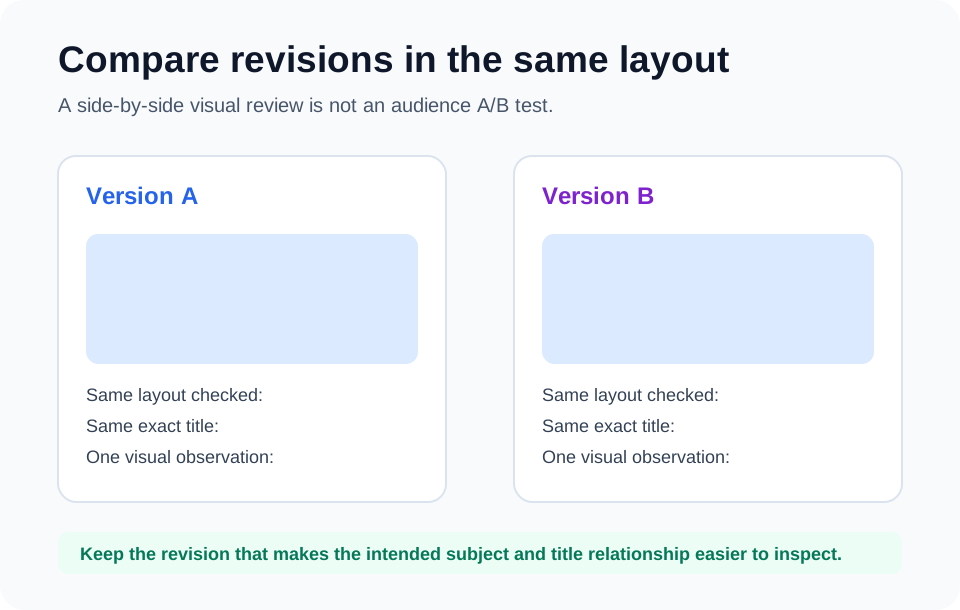
To compare two thumbnail revisions before publishing, load each local image with the same title and inspect the same MyThumbTester layout. This isolates the visible design change: a larger subject, simpler background, removed detail, or stronger separation from the background.
The comparison is a visual review, not an A/B test. It does not show either version to an audience, measure clicks, or provide evidence about future ranking or views.
Write one observation for each version
For each preview, name what is visible without reading the title, then read the title and check whether it adds context. Record a concrete observation such as “the person is clear in Sidebar” or “the small text is no longer carrying the idea.” Avoid labels like “better” unless the visible reason is written beside them.
Change one visible variable per comparison
If Version B changes the focal subject, background, text, and title at once, the comparison cannot tell you which visual change helped clarity. Keep the title and layout fixed where possible, make one design revision, and export the reviewed preview PNG for each version.
Choose the clearer presentation, not a predicted winner
Use the comparison to choose the version whose subject and title relationship are easier to inspect in the layouts you need. That is a pre-publish presentation decision; it is not a claim about audience behavior.