MyThumbTester guide
Check thumbnail file size before previewing
Use the MyThumbTester file-size message to confirm that a local thumbnail can be loaded for visual review.
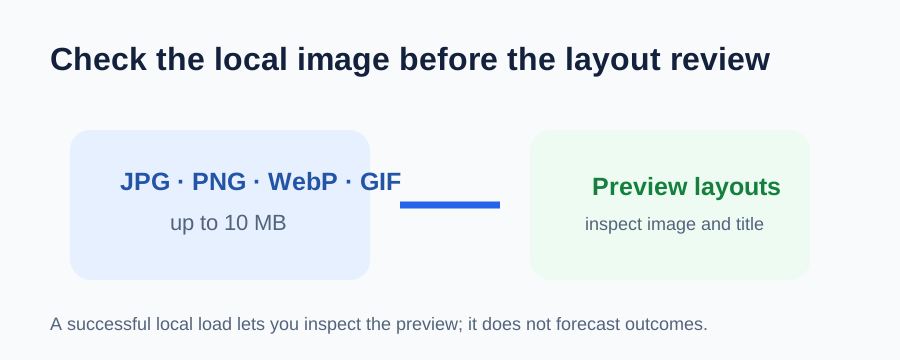
Check the file before you judge the layout
MyThumbTester accepts JPG, PNG, WebP, and GIF images up to 10 MB. Before reviewing the image in its six layouts, load the exact local file and confirm that the tool reports its pixel dimensions. A larger file is rejected before the preview renderer receives it. This is a reproducible input check, not a prediction of click-through rate, ranking, distribution, or views.
If the file is rejected, use a smaller export of the same intended thumbnail, then repeat the visual review with that file. Do not treat a successful local load as proof of how any platform will process the image.
Keep file acceptance separate from visual clarity
A file can be small enough to load yet still be unclear at a Sidebar or Mobile size. After the tool reports that it loaded the image, switch layouts and inspect the focal subject, title, and crop. File size answers whether this browser tool can read the file; the layouts answer what you can see in the illustrative preview.
What this check cannot answer
The 10 MB input check cannot guarantee upload rules on another platform, image quality after another service recompresses it, or video performance. Use it only to confirm a local file can be reviewed in MyThumbTester.